AI code review for GitLab
Native GitLab.com support. Connect a group and Revix reviews every merge request against the standards already in your repo.
What a Revix review looks like on GitLab
Revix reviews GitLab merge requests the way a senior engineer would. It applies your team's own standards, comments on the diff with intent, and writes a summary into the merge request description.
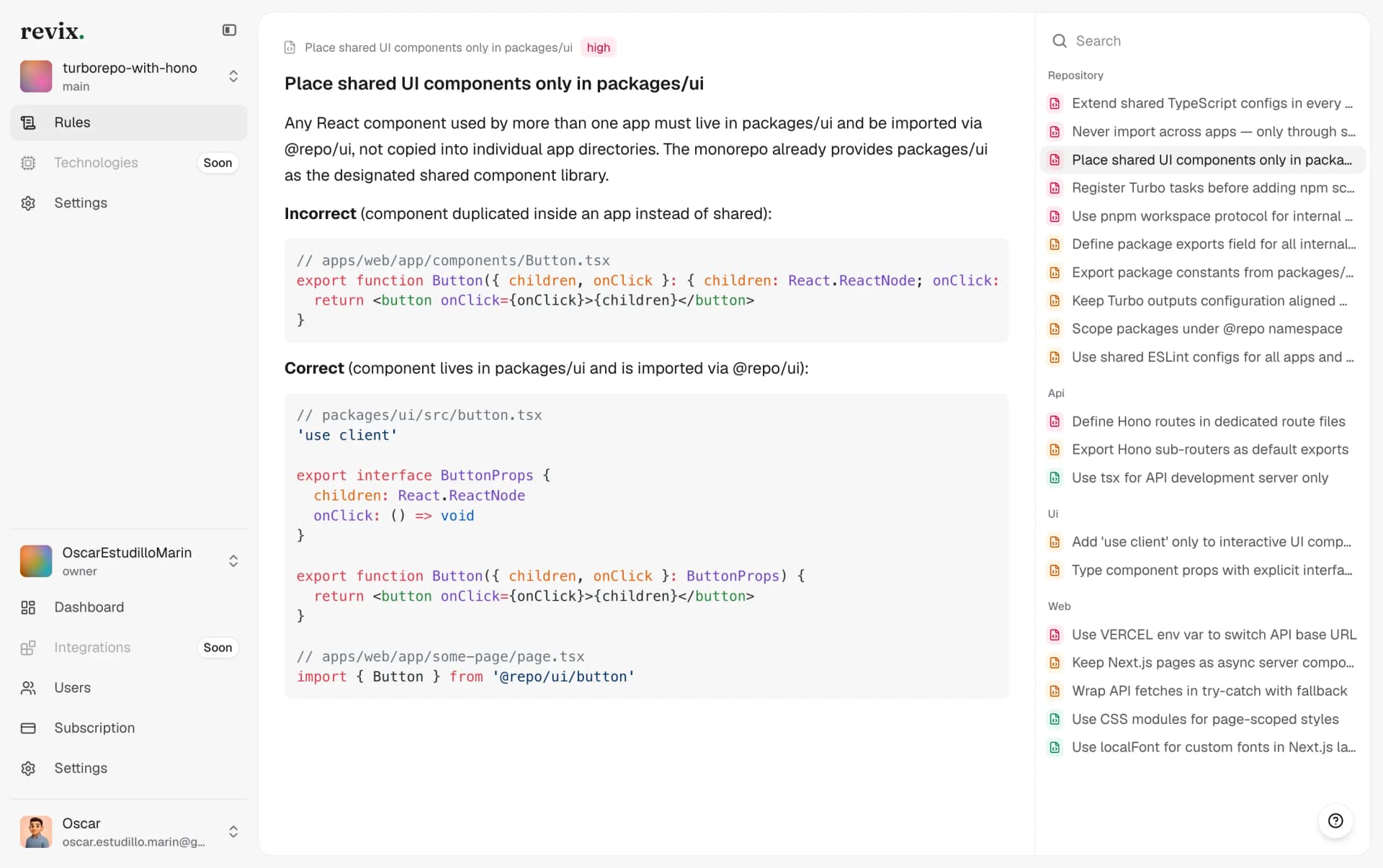
Rules derived from your own repository
Revix reads your repository, learns your conventions, and derives review rules from how your team already writes code. Every GitLab review is checked against those rules, so feedback matches what your seniors would flag.
Comments written like a senior engineer
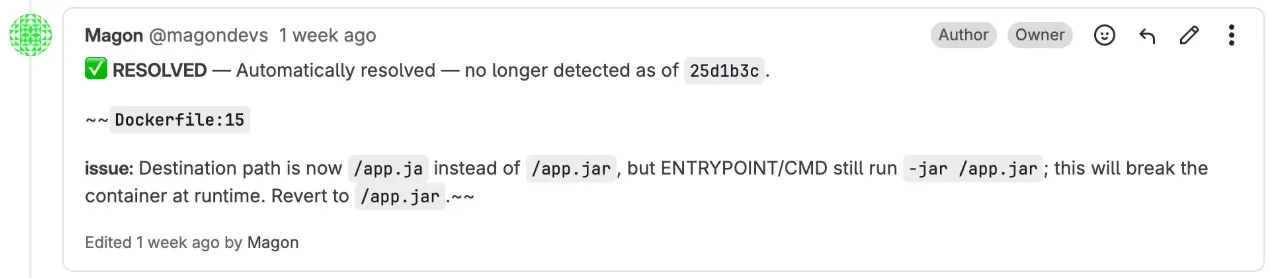
Each comment lands as a discussion on the exact line of the diff. It states the issue, the fix, and the rule behind it. When you push a fix in a later commit, Revix resolves its own discussion.
Merge request summaries in the description
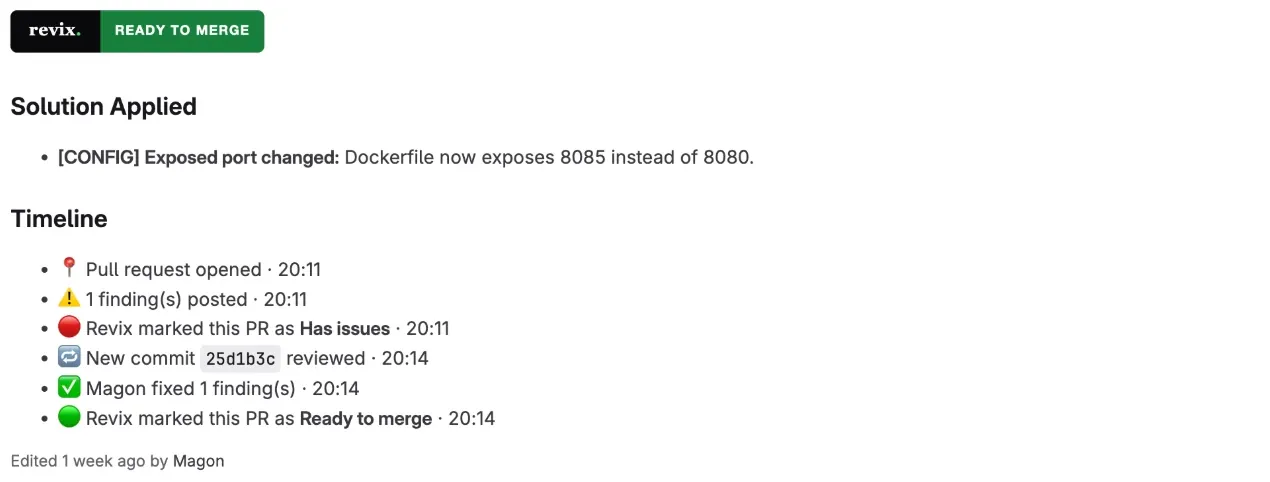
Revix writes a summary of what the merge request changes into its description, above your own text, and refreshes it on every push. Reviewers get the full picture before they read a single line.
Get Revix reviewing your GitLab projects
01.Sign in with GitLab
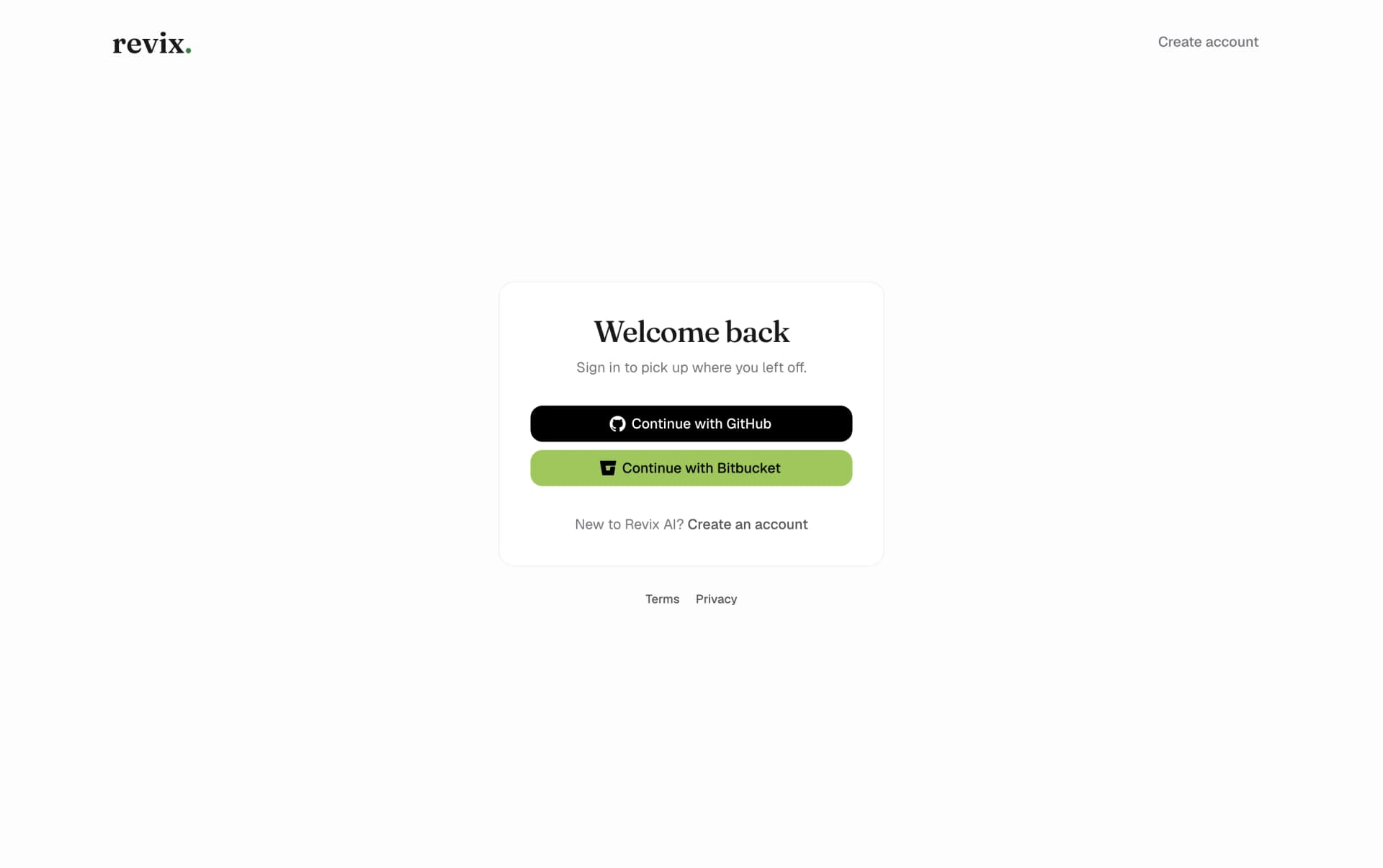
Create your Revix account with a single click using your GitLab.com account. No new password, no manual access tokens.
02.Pick the group Revix should review
Choose a GitLab group or your personal namespace. Connecting a group needs the Maintainer or Owner role, because Revix adds a webhook to each project you connect.
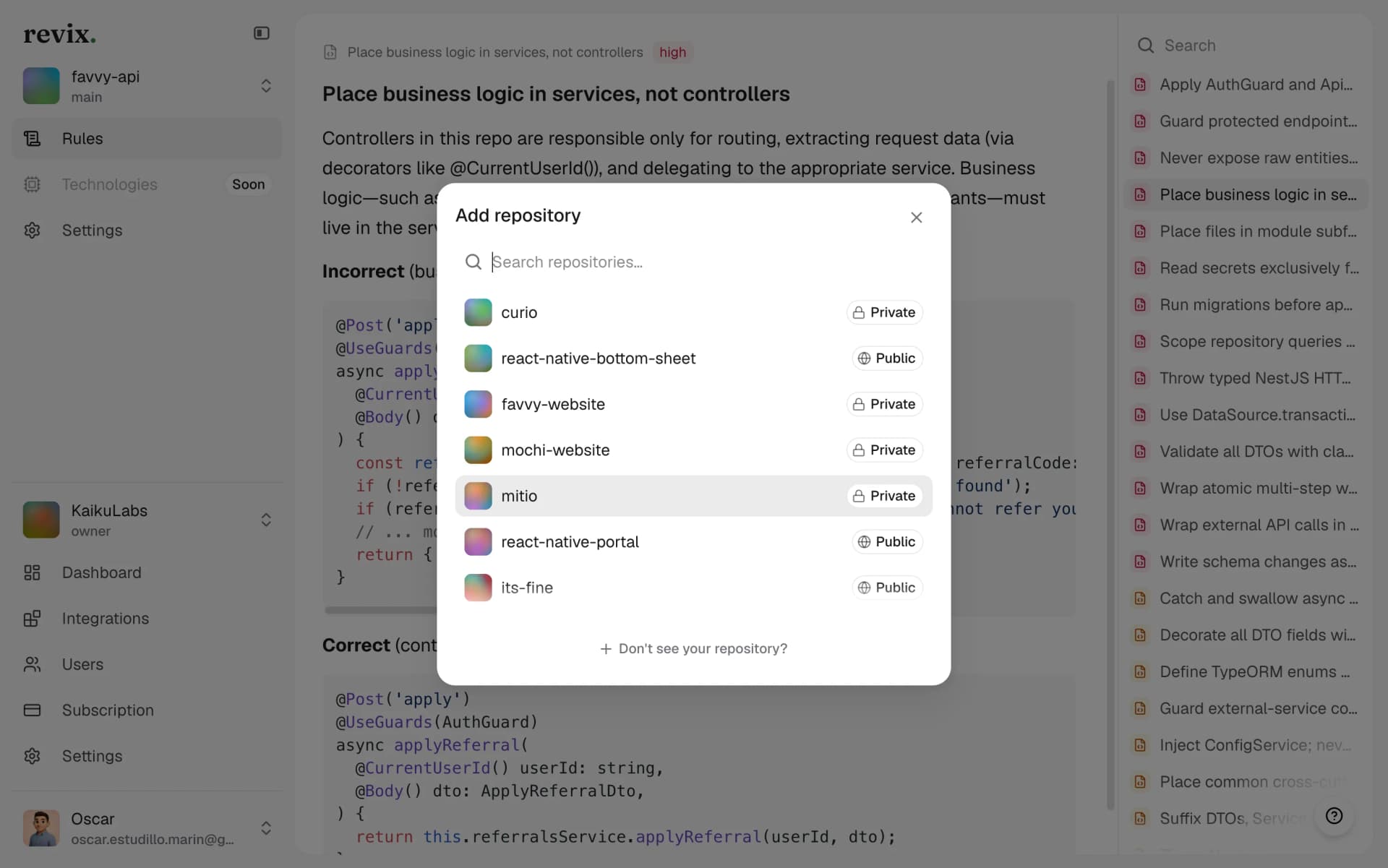
03.Add the projects you want reviewed
Pick the GitLab projects you want under review. Nothing runs on projects you do not select.
04.Open a merge request
Revix reviews every new merge request automatically. No changes to .gitlab-ci.yml, no config file, no extra commands in your workflow.
Questions GitLab teams ask
Bring senior-level reviews to your GitLab workflow
Start a 14-day free trial. No credit card required.
Start free trial