Revix reviews every pull request against rules from your own repo
Revix reads your repository, extracts the rules your team already follows, and reviews every pull request against them. Two engineers built it after review became their bottleneck.

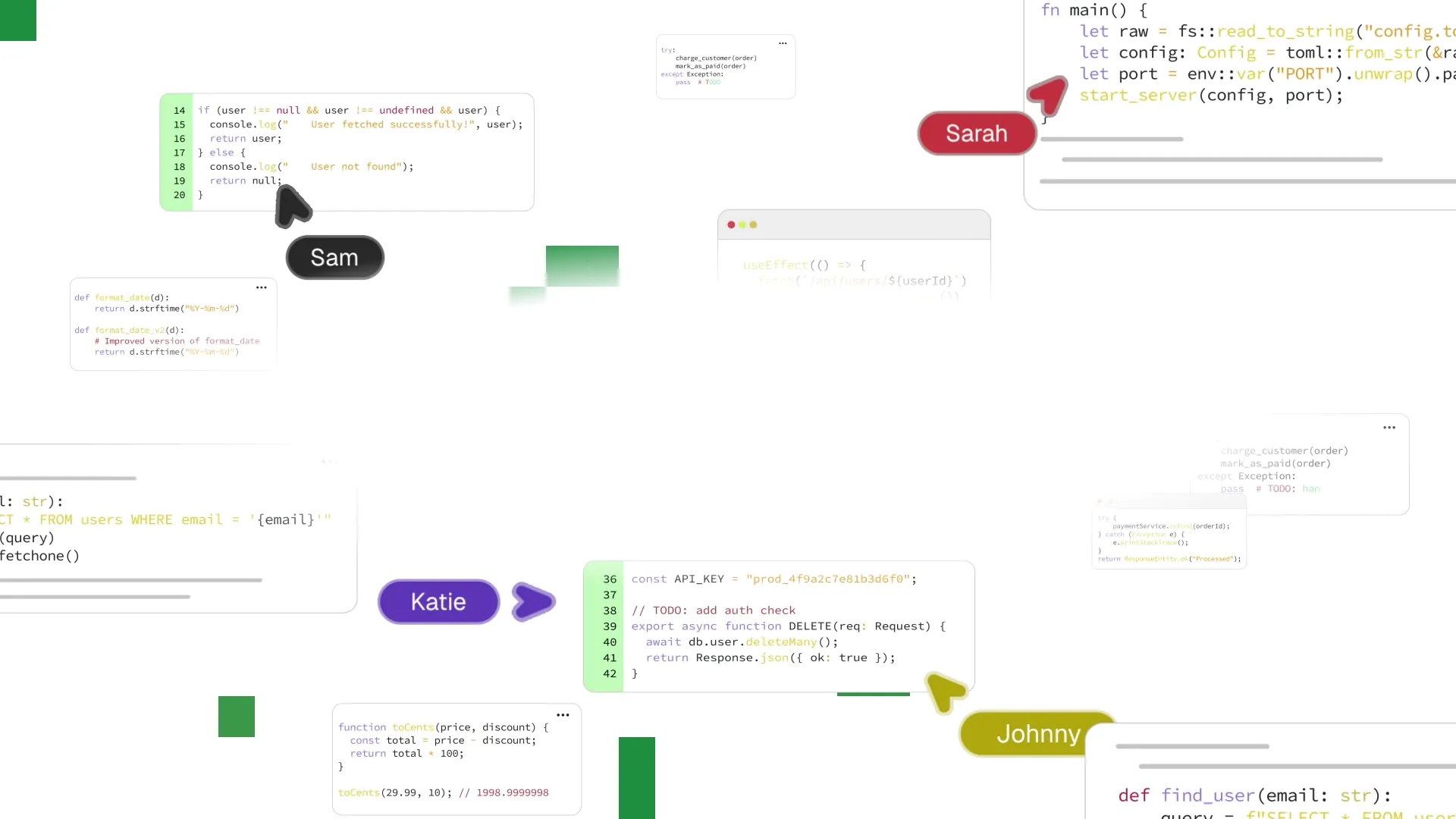
Revix is an AI code reviewer for GitHub, GitLab and Bitbucket Cloud. It reads your repository, writes down the rules your team already follows, and reviews every pull request against them. Each comment names the rule it applied. Public repositories are free.
The 40 second video above shows the whole loop.
Why we built it
We are Oscar and Uri, two engineers from Barcelona. We have led development teams for years.
With AI assistants in the loop, our team shipped far more code. Review capacity stayed the same. We spent more time reviewing than writing code, and pull requests waited in the queue.
The standards that decided whether a change was acceptable were never written down. They lived in a few people's heads. The same review comments came up week after week.
We tried AI reviewers. They left so many generic comments that our developers stopped reading them. None of those comments knew the rules our team had agreed on.
So we built the reviewer we wanted for our own team. It worked well enough that it became our main project.
How it works
- You connect a repository. Revix reads the code and extracts the patterns your team already follows. Each pattern becomes a rule, such as "route handlers validate request bodies with Zod".
- If the repo has a
CLAUDE.md, the standards written there become rules too. Revix applies them where they are relevant. - A standard repository is ready in about 3 minutes. There is no config file to write.
- When a pull request opens, Revix reviews the diff against your rules. A summary lands in about a minute, with inline comments shortly after.
- After each merge, Revix reads the change again and adds, edits or removes rules. The standard it enforces moves with your codebase.
What a review looks like
Every comment is labeled by intent and severity with Conventional Comments. It states the problem, the fix and the rule behind it. Here is a comment from the launch video, on a route that writes the request body straight to the database:

revix-ai-reviewBot
suggestion: Parse the body with a Zod schema before the update, like the other routes in app/api/. Right now any field the client sends, including role, is written to the database.
📚 Rule (Next.js): Route handlers validate request bodies with Zod
When you push a fix, Revix resolves its own thread. It also writes a short summary into the pull request. The summary lists what changed and marks the pull request as Has issues or Ready to merge.
We want fewer comments that each deserve a human's time. The number we watch is how many Revix comments people act on.
Reviews run on pull request webhooks. They use no CI minutes and need no bot account. On the Pro plan, Revix also reads the linked Jira ticket and can message the person who needs to act in Slack.
Results so far
Across our clients, Revix reduced review time by 54%. That figure is measured from Revix dashboard data.
What it does not do yet
- It supports GitHub.com, GitLab.com and Bitbucket Cloud. GitHub Enterprise Server, GitLab Self-Managed and Dedicated, and Bitbucket Data Center and Server are not supported yet.
- Azure DevOps is not supported.
- It does not check syntax or formatting. Keep your linter for that.
- There is no public API, CLI or MCP server. Reviews start from the pull request webhooks of a connected account.
- Some comments will miss. When one does, we want to hear about it.
Your code
Your code is never used to train models. Each review runs on isolated infrastructure, and we delete the source after the run. Revix is SOC 2 Type II and ISO 27001 certified.
Pricing
Public repositories are free on the Open Source tier. Paid plans are per seat and start with a 14-day free trial that needs no card. Prices are on the pricing page.
Try it
- Sign in with GitHub, GitLab or Bitbucket at revix.ai. You do not need a new password.
- Pick the repositories you want reviewed. On GitHub you can limit access to selected repositories.
- Open a pull request.
A note from us
Revix is built by two people, and we read every message. If a Revix comment is wrong, noisy or right for the wrong reason, tell us. Blunt feedback helps us most. Write to team@revix.ai or read how Revix started.
Oscar and Uri
Frequently asked questions
Keep reading
- Introducing Free AI Code Review for Open Source ProjectsRevix AI is now free for public repositories. Open source maintainers get repo-aware AI review on up to 3 public repos, with no card and no expiry.
- How to Write a Great PR Review CommentMost PR comments waste the author's time because they never say what they actually want. Here is the four-part format that fixes that.